
Gamification
Through the GamiPress plugin, which was installed and configured in the WordPress environment, three main categories of gamification mechanisms were implemented on the website: (1) Point System, (2) Ranking System and (3) Achievement System.
How it works Gamification;
Point System
The creation of a point system called “Karmas” was chosen as a kind of reward for users registered on the website to perform certain functions within the website. In particular, when a registered user posts a comment in any posted OpenGov consultation, it is automatically rewarded with 10 Karmas, whereas when that posted comment is marked as “spam” by another user, they are automatically bound again by the 5 Karmas profile.
Acquiring Karmas through annotation is the most basic gamification type, because through them the Level of each user is defined as well as many of the achievements he can acquire.
Ranking System
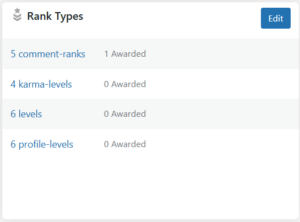
So far, 4 types of level system have been piloted: 5 comment-ranks, 4 karma-levels, 6 levels, 6 profile-levels.
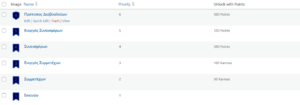
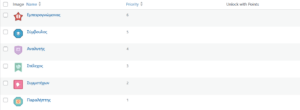
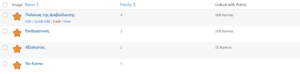
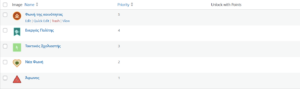
Each Rank Type has separate levels with a different name for each, however the most complete Rank Type of the 4 is the 6 profile-levels. Each Rank Type, with its individual levels, is projected in the following images in which their hierarchy and the number of Karmas required to unlock them (not set everywhere) are observed:
Achievement System
After the completion of some small actions (missions) by the users, it has been configured through the Achievement Types to acquire some specific decorations (badges) that are displayed in each user's profile and will offer him as a reward free Karmas for upgrading his level. By the time of writing the report, 11 mission-badges have been created, of which 4 concern the first 10, 20, 50 and 100 comments on the website, the other 4 concern the commentary in consultation of a specific ministry or the combination of ministries, and the remaining 3 for the first moves of a new registered user. The image of the medal of each achievement, the number of Karmas that rewards each achievement are shown in the following image:
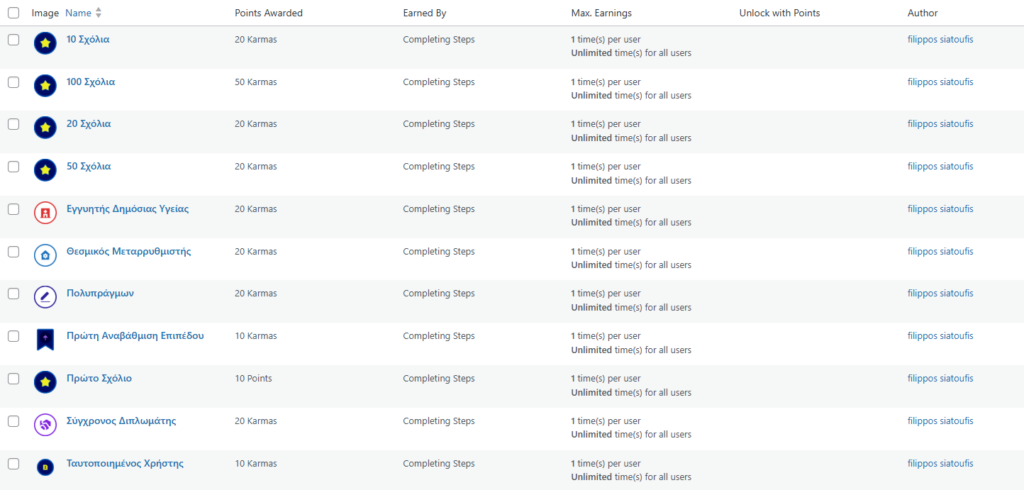
Each achievement requires a different mission (or steps) to obtain:
- 10 Comments on: Post 10 different comments in any consultation
- 20 Comments on: Post 20 different comments in any consultation
- 50 Comments on: Post 50 different comments in any consultation
- 100 Comments on: Post 100 different comments in any consultation
- Public Health Guarantor: Posting a comment in consultation with the Ministry of Health
- Institutional reformer: Post a comment in consultation with the Ministry of Interior
- Multi-actor: Posting a comment in consultation with the Ministry of Health, Foreign Affairs and National Defence
- First Level Upgrade: First upgrade to a higher level
- First Comment: Publication of the first comment on the website
- The modern diplomat: Post a comment in consultation with the Ministry of National Defence
- Authenticated User: Make changes to a user's profile
Profile Page Reconfiguration and Header Link to Profile Page
Profile page
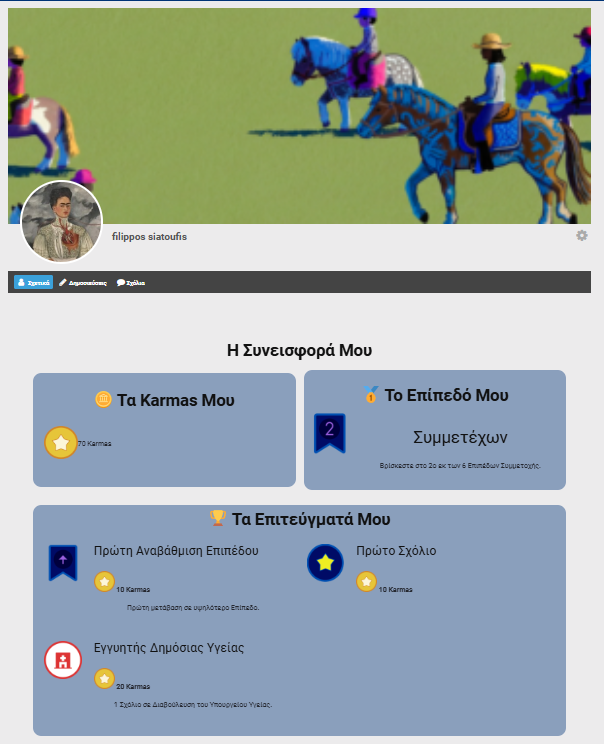
Below is the profile page with all the gamification elements related to the logged-in user. Specifically, at the top of the page there is the image and the profile wall, along with the username and a small description, if he adds (the image does not exist). In the main body there are 3 basic tiles that show the total points of the user, his level, as well as all the achievements he has acquired. All three elements are updated automatically, no intervention is required by the website's administrators.
Header Links to Profile Page
In the top bar of the website, the links to the user's profile page change dynamically, depending on the login status. When the user is not logged in, there are the Registration and Login links, while when he is logged in, the Profile button and the Logout link.


 English